Use case
For the questions you answer out loud
In a technical interview, MuteHint listens to the interviewer and shows a short answer you can say: your approach, the trade-offs, a past project, a system design.
There is no separate coding profile. Technical interviews use the Interview profile, which is in the free plan: 2 sessions a week of 15 minutes each, no card needed.
- No card needed
- macOS and Windows
- 7-day money-back guarantee
What you see during the call
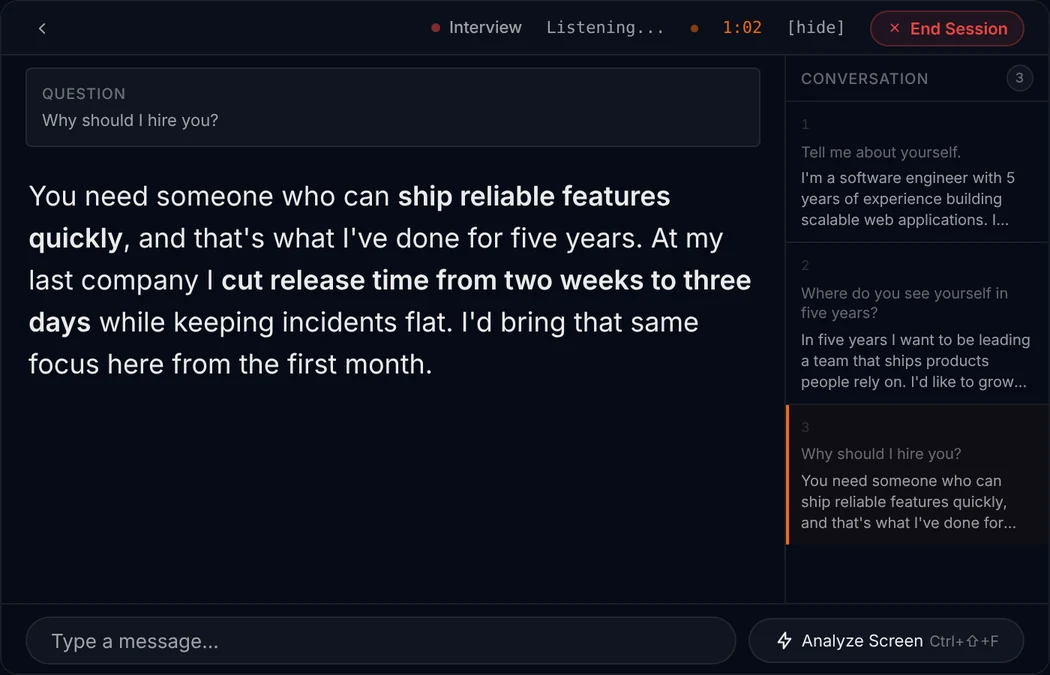
Three things, the same on every call. No scores, no labels, no checklist to read.
1
The question that was just asked
MuteHint listens to the other side of the call and picks out the question. It shows it in a small Question box, so you can check it heard the same thing you did.
2
A short answer you can say
Below the question is a few sentences in plain spoken language, with the key phrases in bold. Read it at a glance, then say it your way.
3
The next step, when you ask
Press Ctrl+Enter (Cmd+Enter on a Mac) and it gives you the next step. A Conversation panel keeps the questions asked so far.
For example
They ask: “How would you design a URL shortener?”
I would start with the two things it has to do: create a short code and redirect fast. Reads will far outnumber writes, so I would keep the mapping in a key-value store with a cache in front of it. Then I would ask how many links we expect, because that decides how long the code needs to be.
What it is, and what it is not
- There is no coding profile. Technical interviews use the Interview profile, the same one as any other interview.
- It answers what the interviewer asks out loud: explain your approach, compare trade-offs, talk through a past project, discuss a system design.
- By default it listens to the other side of the call, not to you. In Settings you can switch it to your microphone, or to both.
- On paid plans, the Analyze Screen button can read a problem from one screenshot of your screen when you press it. Nothing is captured continuously.
- Many coding assessments and online tests ban AI help. Respect that rule.
Make it about you
Give it your projects and the stack
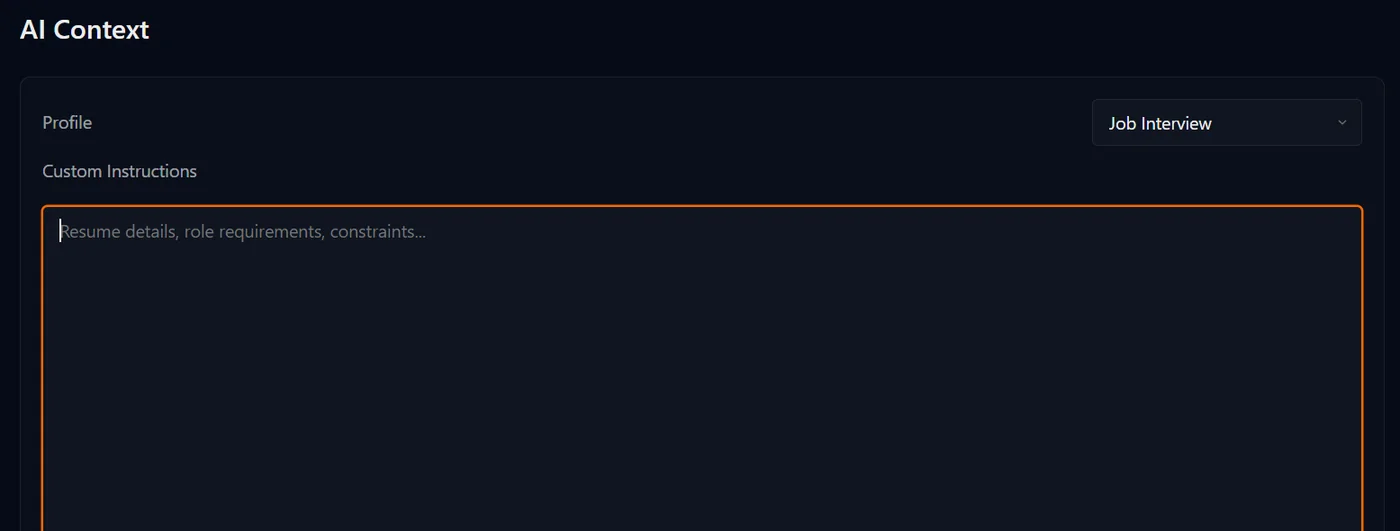
Before the interview, choose the Interview profile and paste in what you expect to be asked about.
- Your CV and the projects you are most likely to be asked about.
- The job description and the stack the team uses.
- Notes on systems you have built: what you chose, and what you would change.
The text you paste is sent to your AI provider and saved with your session on MuteHint's servers.
Set up before the call
Step 1
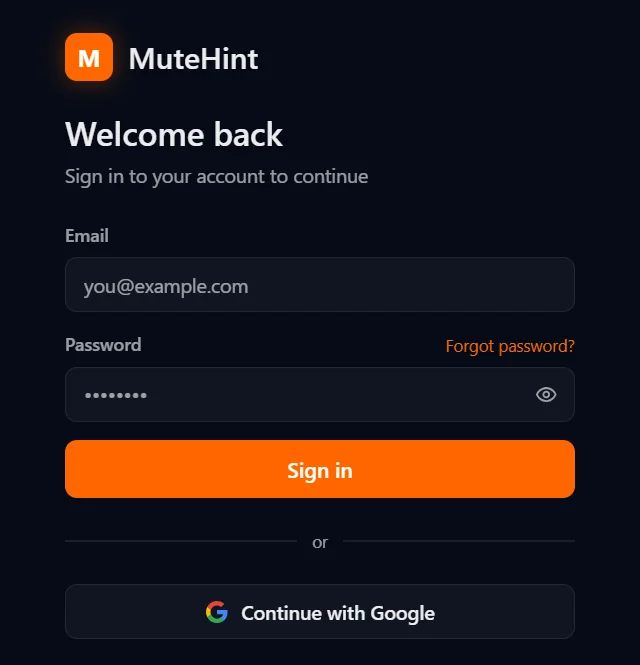
Create a free account
Sign up, then download the app for macOS or Windows from your dashboard. Sign in with your email or with Google.
Step 2
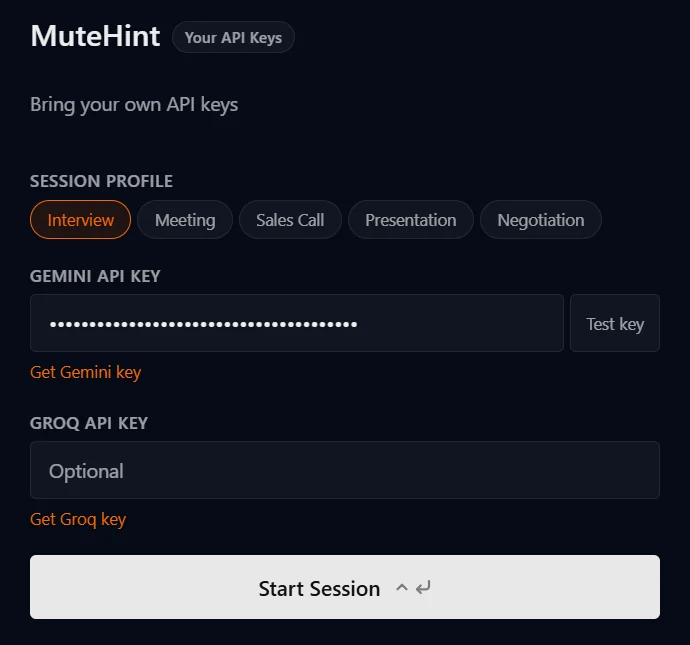
Add your own AI key
Paste a Gemini API key from Google AI Studio into the app and test it with one click. You pay Google directly, with no markup from us.
Step 3
Pick a profile and join
Start a session before your call. MuteHint listens, picks out the question you were just asked and puts an answer you can say on screen, with the key phrases in bold.
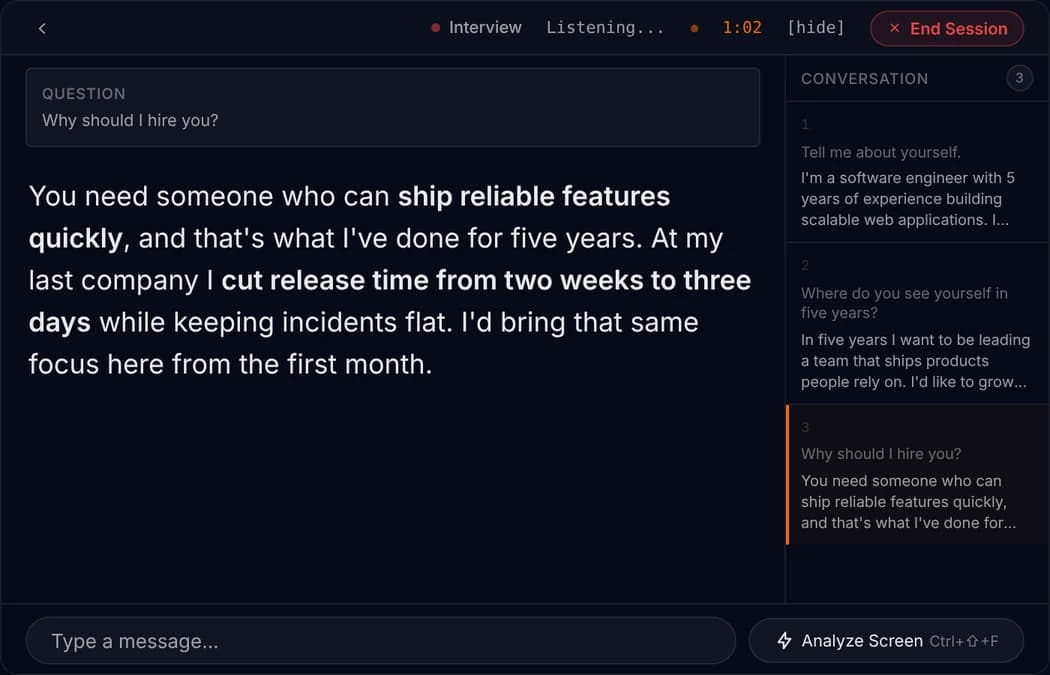
Example session. The question and answer are samples, shown on the app's live screen.

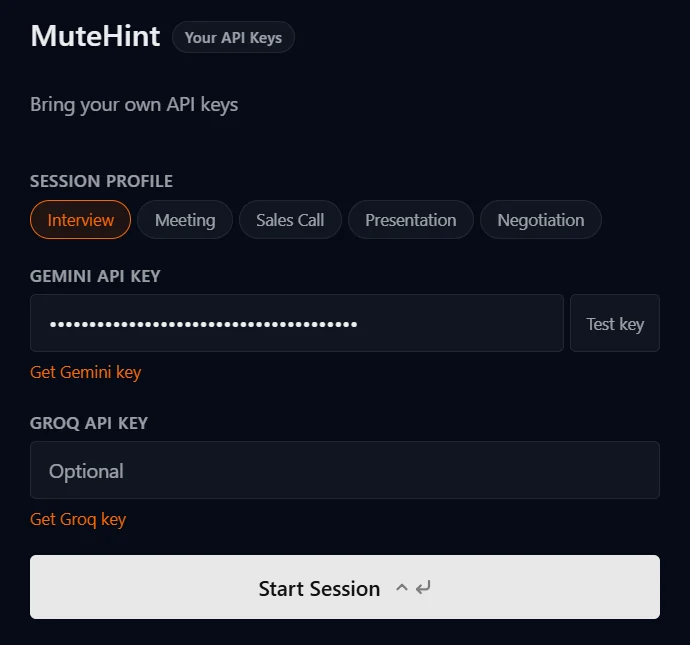
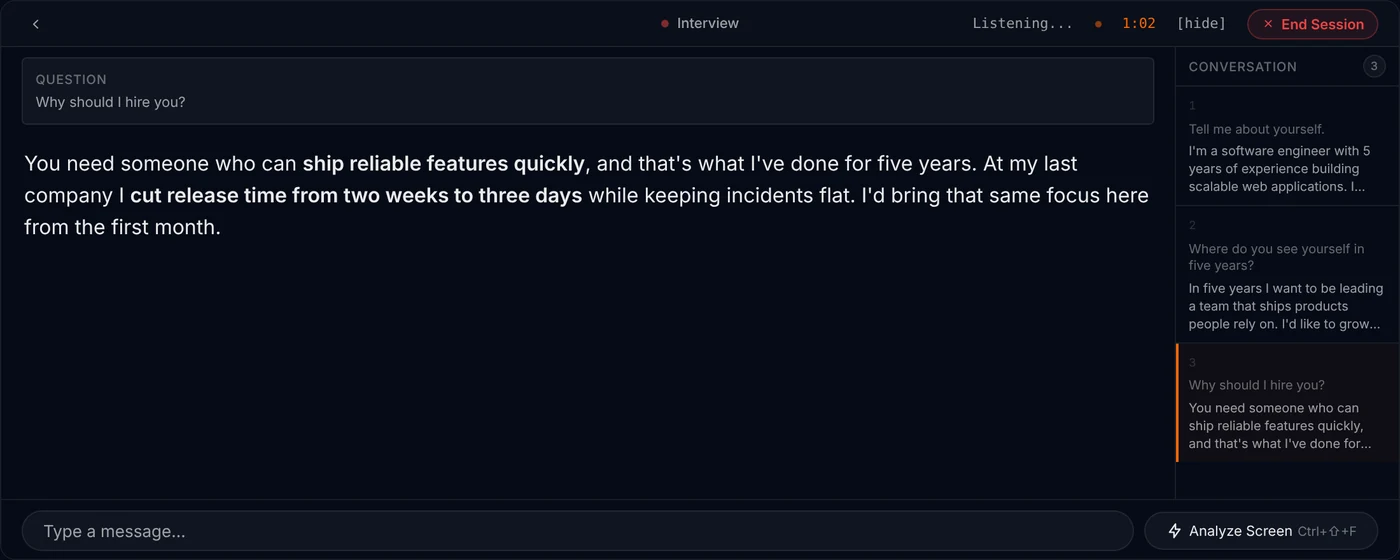
Try one short practice session before the real interview, so the window sits where you want it. On the free plan, a practice session that runs for a minute or longer uses one of your 2 weekly sessions.
They want to hear how you think
A technical interview is mostly a conversation. The interviewer wants to hear how you break a problem down, which options you weighed and why you picked one. Going quiet and typing tells them very little, even when the code is right.
So say your plan before you start. Name the trade-off you are making. When you are stuck, say what you have ruled out. Ask about scale and constraints early, because the answers change the design.
MuteHint helps with the spoken half. When the interviewer asks why you chose a queue over a direct call, or how you would handle ten times the traffic, it puts a short answer on your screen that you can say in your own words. It will not make you good at something you have not practised, and you should be able to defend every sentence you say.
Questions people ask before they try it
Is the free plan really free?
Yes. You get 2 live sessions a week with the Interview profile, on one device. Each session lasts up to 15 minutes. No card is needed. Paid plans add all 5 AI profiles, unlimited sessions with no time limit, screen capture and session history.
Does it listen to me or to the other person?
By default it listens to the other side: the sound coming out of your computer. In Settings you can switch it to your microphone, or to both.
What happens when I share my screen?
MuteHint asks your operating system to leave its window out of screen sharing and recording, so you can share your whole screen. Before a call that matters, share your screen once with a friend or a second device and check. If the window ever shows up on your setup, Ctrl+\ (Cmd+\ on a Mac) hides it while you share.
Can I give it my CV or my pitch?
Yes. Paste your CV, the job description, your pitch or your notes into the context box before you start. The AI uses it to write answers that sound like you.
Is using MuteHint during interviews cheating?
MuteHint puts a suggested answer on your screen while you talk. Whether that is acceptable depends on the rules of the situation you are in. Most sales calls, meetings and negotiations have no rule against notes or help. Where an interview, a test or an employer has an explicit rule against AI help, you should respect that rule, and our Terms do not allow use where it is prohibited.
Is there a coding profile?
No. MuteHint has five profiles: Interview, Meeting, Sales Call, Presentation and Negotiation. Technical interviews use the Interview profile.
Can it read the problem on my screen?
On paid plans, yes, when you ask. The Analyze Screen button sends one screenshot of your screen to your AI provider when you press it. Nothing is captured continuously, and the free plan does not include it.
Your next call is coming either way. Take a coach in with you.
Two free 15-minute sessions every week. Set up before your call starts.
No card needed. Paid plans from $25, with a 7-day money-back guarantee.